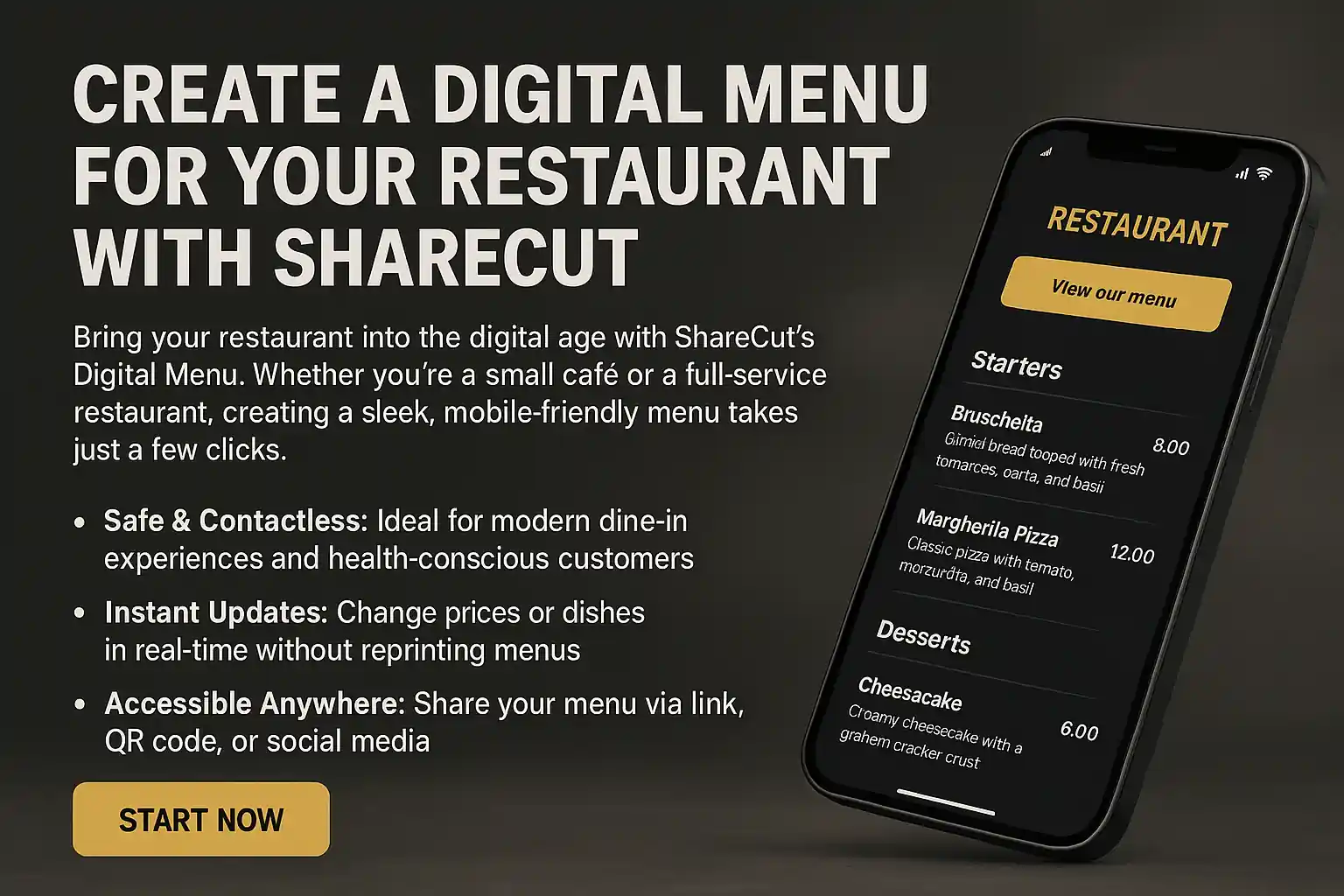
Create a Digital Menu for Your Restaurant with ShareCut
A digital menu is a page your guests open by scanning a code on the table, and its main advantage is not that it is modern. It is that a price change takes ten seconds instead of a print run, and that the sold-out dish disappears before the next table orders it.
Here is what to prepare, how to build one, and what is actually free.
What changes when the menu is a page
Updates are instant. Change a price, add the special, hide what ran out — the version on the table is the version you just edited. This is the whole argument, and it is worth more in a kitchen with a daily special than any design feature.
You get room you did not have. Allergen labelling, a proper description, a photo, a second language for tourists: all things a printed sheet cannot hold without becoming a booklet.
You learn something. Scans are counted, so you can see how many guests opened the menu and when. Not a business intelligence system, but enough to know whether the table cards are being used at all.
What does not change: a phone menu is worse than paper for browsing a long list. Keep the categories tight and the descriptions short, and the phone stops being a handicap.
Before you start: get the content ready
The build takes minutes; assembling the content is the actual work. Have this to hand before you open the editor:
- Your categories, in the order you want guests to see them — starters, mains, sides, desserts, drinks.
- Every dish with its price, spelled the way you want it read.
- One short line per dish where it helps. Not every dish needs one; the ones people ask about do.
- Allergen information, checked by whoever actually knows. This is the part to get right rather than fast.
- A cover image if you have a good one. One decent photograph of the room beats five mediocre plates.
A menu holds up to 100 items, which is more than almost any venue needs and a useful ceiling to keep in mind if you were planning to list every bottle individually.
Building it
Open the menu creator, add your categories, then add dishes with names, prices and descriptions. You can create the page without signing in; a free account is required to reveal, save and manage it afterwards, which is the point at which it becomes something you can edit tomorrow rather than something you rebuild.
Then publish. The page gets its own short URL, which is what the QR code on the table will point at. Because the code points at that URL rather than at the menu content itself, you can change every dish and price on the page forever without touching the printed cards.
The code on the table
Generate a QR code for the menu URL and put it where a seated guest can reach it: a table tent, a sticker on the table, the corner of a placemat. There is a setup walkthrough with sizes and placement in the restaurant table QR guide.
Three things worth getting right the first time. Print it big enough — around 2 cm across is comfortable for a phone at table distance. Add a line of text (“Scan for the menu”) so nobody has to guess. And test it in your own dining room, in the evening light you actually have, on the cheapest phone you can find; gloss laminate and dim rooms defeat more codes than bad design does.
Keeping it current
The failure mode of digital menus is not technical. It is a menu that was accurate in March. Because editing is easy, it is worth making it somebody's job: whoever writes the specials updates the page at the same time.
The sold-out toggle is the feature that earns its keep on a busy service — hiding a dish the moment the kitchen runs out prevents the conversation where a guest orders something that does not exist. And if you serve tourists, a second language costs you one translation and removes a great deal of pointing.
What it costs
Start free: you can build and publish a menu on the free tier, which is ad-supported. The Restaurant plan at €19/month removes the ads and adds a cover image, a custom short code, your own custom domain for the menu page, print-ready menus and Restaurant Buddy. The pricing page has the full comparison.
Restaurant Buddy is worth a sentence, because it addresses a problem paper never solved: the guest who cannot decide. Instead of scrolling the whole list, they say what they feel like — a chef's special, something popular, a price to stay under — and Buddy picks one dish off your real menu, with the price and the reason it was chosen. It only ever suggests items that are on the live menu and not hidden, and it runs on a deterministic engine by default, so there is nothing to configure and nothing to invent.
Who this suits
Restaurants, cafes and bistros with a menu that changes; food trucks and pop-ups, where the printed menu is out of date the moment the location changes; caterers who need to send a menu as a link rather than an attachment. If your menu genuinely never changes and your guests never ask about allergens, paper is fine and cheaper.
Otherwise the calculation is straightforward: one print run avoided pays for a long time of not reprinting.