How to Shorten a URL
How to Shorten a URL
Sharing links is an essential part of communicating online. Whether you're sending an email, posting on social media, or adding a link to a document, long and messy URLs can clutter your message and make it harder for people to click or remember. That's why using a URL shortener like ShareCut.site is so useful. This guide will show you exactly how to shorten a URL and explain when and why it can be helpful.
What Is a URL Shortener?
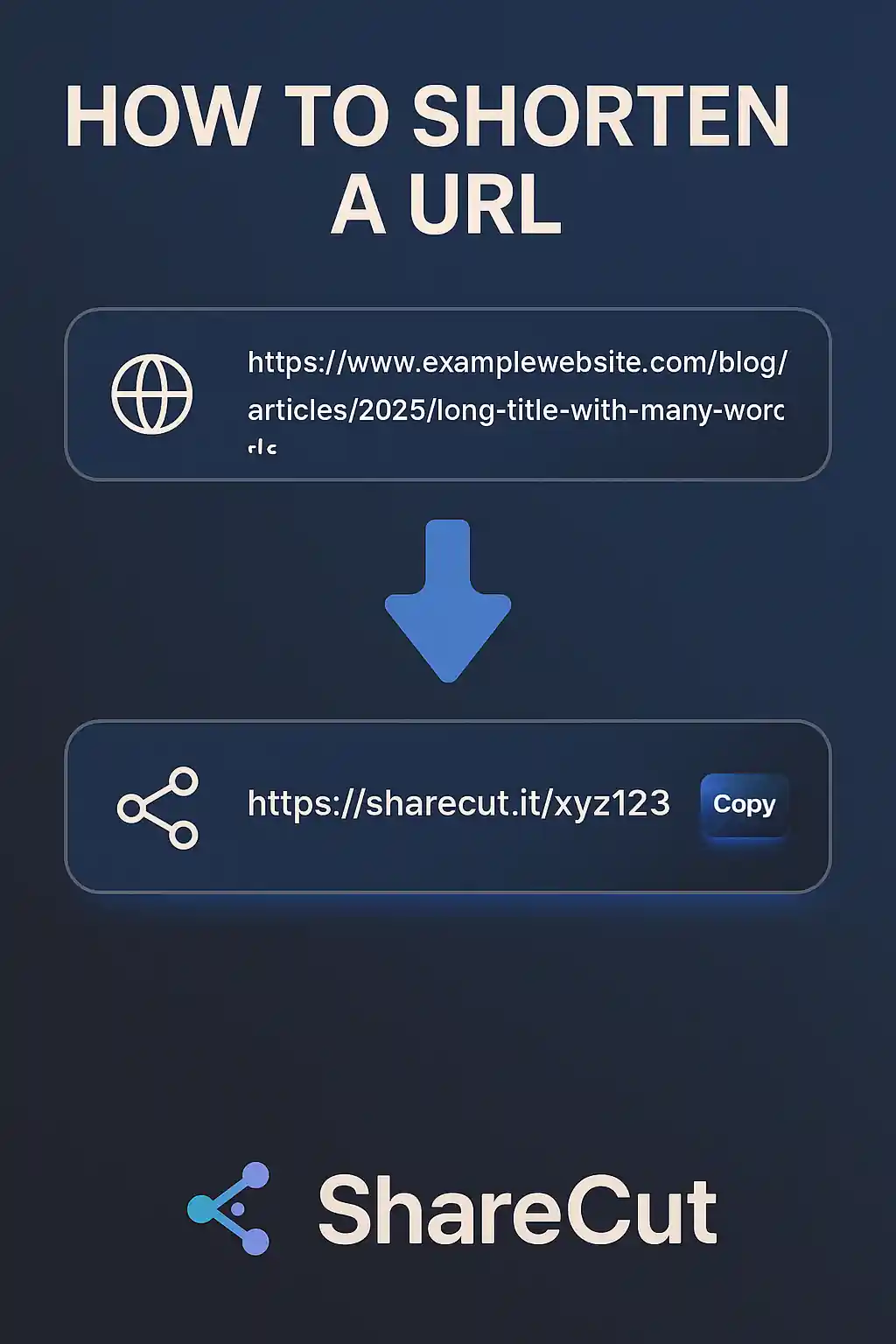
A URL shortener is an online tool that turns a long web address into a short, simple link. For example, a link like:
https://www.examplewebsite.com/blog/articles/2025/long-title-with-many-words
could become something like:
https://sharecut.it/xyz123
These shortened URLs are easier to share, look cleaner, and take up less space in messages or posts.
How to Shorten a URL with ShareCut.site
-
Go to the Website:
Visit https://sharecut.it/ using your preferred browser. -
Paste the Long URL:
In the input box on the homepage, paste the URL you want to shorten. -
Click the "Shorten" Button:
Once your link is pasted, click the “Shorten” button. -
Copy and Share:
A shortened link will appear. Click the "Copy" button or highlight it manually to copy and use it.
When Is URL Shortening Useful?
Shortened URLs are especially helpful in the following situations:
- Social Media: Platforms like Twitter and Instagram often limit the number of characters per post. Short links save space and make posts look cleaner.
- Marketing Campaigns: A concise URL in email or text campaigns looks more professional and can improve click-through rates.
- QR Codes: Short links make QR codes easier to scan and more reliable. Perfect for flyers, posters, or business cards.
- Printed Material: If you're sharing a link in a magazine, brochure, or handout, a short URL is easier for readers to type.
- Presentations: Displaying short links in PowerPoint slides or live webinars allows your audience to visit the link quickly.
- Chat Applications: In messaging tools like WhatsApp, Discord, or Slack, shorter links keep your message compact and readable.
Are Shortened URLs Safe?
It's natural to be cautious when clicking on shortened URLs, since the final destination isn’t always visible at first glance. That said, when using a trusted service like ShareCut.site, you can feel confident about the safety of the links.
ShareCut.site helps protect users by using the Google Safe Browsing API to check the safety of every original URL. This means that before a link is shortened, ShareCut verifies that it’s not flagged as harmful, deceptive, or dangerous.
While it’s always wise to double-check the source of any link, you can trust that shortened URLs from ShareCut.site undergo automatic screening for safety.
For general advice on avoiding risky links online, you can refer to the FTC's guide to avoiding phishing scams.
Best Practices for Sharing Shortened Links
- Include a brief description or label next to your link so people know what to expect.
- Use them alongside calls to action (e.g., “Watch the video here: [short link]”).
- Test the link yourself before sharing to ensure it redirects correctly.
Conclusion
URL shortening makes your links look cleaner, helps save space, and improves the user experience. With tools like ShareCut.site, it only takes a few seconds to simplify even the longest link. Whether you're running a business, managing social media, or just sharing something interesting with friends, a short link can make all the difference.
For more digital communication tips, check out this helpful guide on how to share links effectively.