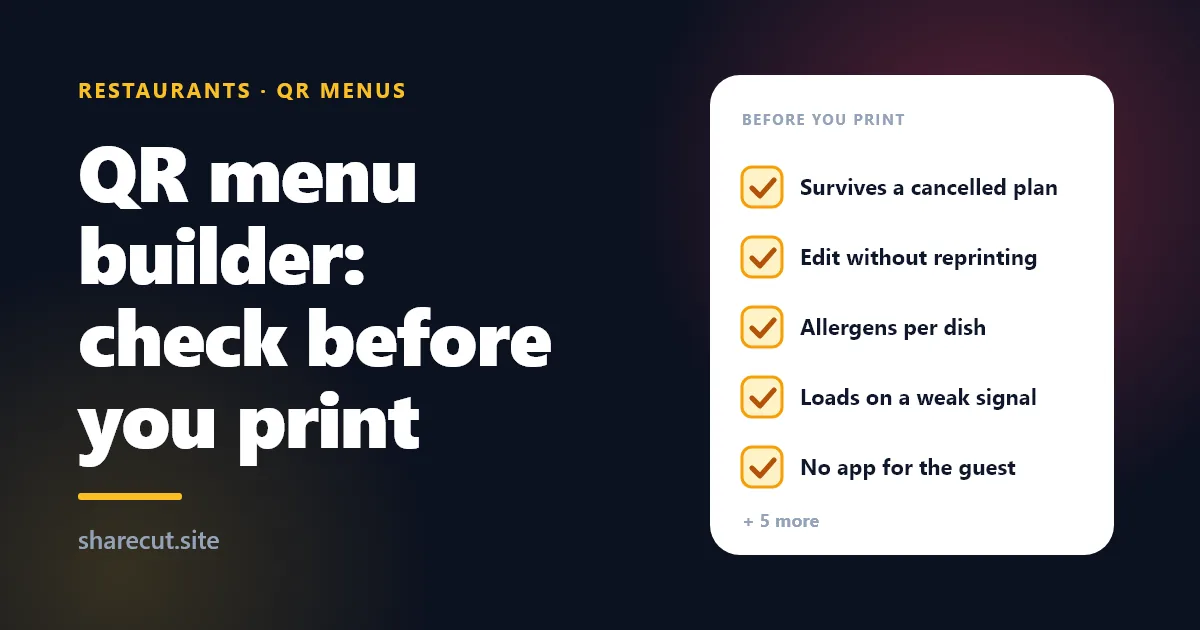
QR Menu Builder: 10 Things to Check Before You Print
Every QR menu builder looks the same in a demo. The differences show up later, usually at the worst moment: the week you change suppliers and half the prices move, the summer a coach of German tourists sits down, or the month you decide the subscription is not worth it and wonder what happens to the 40 table tents you already printed.
This is a buyer's checklist for any vendor, including us. Each point is something you can ask or test in a free trial before a single code goes to the printer. Where ShareCut falls short, we say so.
1. What happens to the printed code if you stop paying
Ask this first, because it decides whether the vendor owns your tables. A QR code encodes a web address. If the vendor switches that address off when your plan lapses, every printed code in the room becomes a dead square overnight.
Ask it in writing: if I cancel, does my printed code keep opening my menu, and for how long? On ShareCut, links and QR codes have no expiry date. If you cancel a paid plan, the menu keeps resolving at its address, free, indefinitely, and nothing is deleted. What pauses is what you were paying for: ads come back on the public page, a custom domain falls back to the sharecut.site address, the analytics breakdowns blur back to the total and Restaurant Buddy switches off. One honest gap: there is no one-click export of a menu to a file today, so if you plan to leave, budget time to copy your dishes out by hand.
2. Can you change dishes and prices without reprinting
The point of digital menus is that the code stays the same while the content behind it changes. That only works if the code points at a page you edit, not at a PDF you upload once: change the price of the risotto and a PDF means a new file, and sometimes a new code.
Test it during the trial: change a price, hide a dish, then scan the code you printed on day one with a phone that has never opened the menu before. The new price should be there. On a ShareCut menu you edit the page whenever you want and the printed code keeps working, because the code holds the page address, not the content. Why some codes can change after printing and others cannot is explained on our page about editable QR codes after printing.
3. Allergens on every dish, not in a footnote
In the EU, Annex II of Regulation (EU) No 1169/2011 lists 14 allergens that food businesses must be able to declare: gluten, crustaceans, eggs, fish, peanuts, soy, milk, tree nuts, celery, mustard, sesame, sulphites, lupin and molluscs. Look for them as tags on each dish, shown next to the item, not as free text you type 80 times or a line at the bottom of the page. ShareCut menus have the 14 allergens as tags per dish, plus dietary tags such as vegetarian, vegan and gluten-free. The tags only say what you set: a digital menu does not replace the staff conversation for a guest with a serious allergy, and no tool should pretend it does.
4. Languages for the guests you actually get
Ask two things: which languages the guest can switch to on the published menu, and who writes the translations. The second matters more: some builders machine-translate every dish, which is how "vitello tonnato" becomes something no one wants to order. On ShareCut you pick a primary language and an optional second one from English, Italian, Spanish, French, German and Portuguese, and you write the second-language name and description of each dish yourself. It is more work than an automatic button, and it is deliberate: you know what your dishes are called. The guest switches language on the menu page.
5. No app, and a page that opens on one bar of signal
If seeing your menu means installing an app, some guests will just ask for a paper one. On ShareCut the guest scans and the menu opens in the phone's own browser as a normal web page, with nothing to download.
Load time is the check most owners skip. Put a phone on mobile data, walk to your worst-covered table and scan, then repeat with photos on every dish: large images are the usual reason a menu crawls. Run it on every vendor you compare, including us. For the paper-versus-QR decision itself, see QR menu vs paper menu.
6. Item limits, written down
Ask for the dish limit as a number. A wine bar with 120 labels or a restaurant with separate lunch, dinner and dessert menus hits limits faster than a demo suggests.
ShareCut's limits are published: up to 400 dishes on the Restaurant plan and 500 on Business. Digital menus are part of those two plans only; the Free and Pro plans cover short links, QR codes and link-in-bio pages, not menus.
7. Importing the menu you already have
Typing 90 dishes into a form is where most menu projects die. Ask whether the builder can read your current printed menu, from a PDF or a photo of each page, and what you have to check afterwards.
On ShareCut you can import a printed menu from a PDF or photos, up to 4 MB per import, so a long menu goes in a few pages at a time. The import gives you rows to review; it does not publish anything on its own. Read every price before you save: an import saves typing, it does not replace proofreading.
8. Ads on your menu page
Some cheap menu builders pay for themselves by showing ads to your guests. Ask what appears on the public page besides your dishes, and check on a phone, not in the editor.
ShareCut's menu plans are ad-free. Ads can appear on the public pages of free short links, which is a different product, and they come back on your public pages only if you cancel the paid plan, as described in point 1.
9. Your own domain, and what it means after cancelling
A code that opens menu.yourplace.example looks like yours, which reassures guests who hesitate before scanning an unknown address.
On the Restaurant plan you can connect a custom domain through a CNAME record, up to 5 per account. The trade-off to know before printing: a custom domain is a paid feature, so after a cancellation scans of that domain are sent to the menu's sharecut.site address. The guest still lands on the right menu, as long as your domain stays registered and pointed, but without your branding.
10. Scan numbers you can act on
Ask what the builder counts, whether bots and link-preview crawlers are filtered out, and whether you can tell the terrace from the inside room.
ShareCut counts human scans separately from bots and preview crawlers, and on paid plans shows the breakdown by country, device, operating system, browser and referrer. It does not split scans by table on its own. If you want to compare placements, give each one its own short link pointing at the same menu, for example one for the window display and one for the tables, and each counts separately. More codes to manage, so do it only where the answer would change a decision.
Where an AI menu assistant fits
If a builder offers an AI button, ask one narrow question: can it ever recommend something that is not on your menu? A dish your kitchen does not make is worse than no suggestion.
Restaurant Buddy, included on the ShareCut menu plans, recommends a dish and a drink pairing from your published menu and never names a dish that is not on it. Guests can tap a few choices or type what they feel like in their own words. The AI is part of the plan, 1,500 requests a month on Restaurant, and past that cap it keeps working on its fixed choice buttons instead of stopping.
The test to run before you print
Run these in one afternoon during a trial:
- Ask the cancellation question in writing and keep the answer.
- Import or type ten real dishes with allergens and a second language.
- Change a price and confirm it on a phone that never opened the menu.
- Scan from your worst table on mobile data.
- Look at the public page on a phone and count anything that is not yours.
Then print one test card first. Our guide to QR codes for restaurant tables covers sizes, placement and scan testing.
If ShareCut passes your list, build the menu at the digital menu builder. The Restaurant plan is 19 EUR a month (15 EUR a month billed yearly) and starts with a 14-day free trial through PayPal, with nothing charged until the trial ends. Compare every plan on the pricing page.